A Control Room for Conversational AI
Enterprise Chatbot CMS
InteractIQ is a content management system for a customer-facing conversational AI assistant deployed across external platforms. It gives operations, support, and content teams direct control over the chatbot's behavior: conversational flows, knowledge sources, prompts, and fallback responses can all be updated without touching code or filing an engineering request.
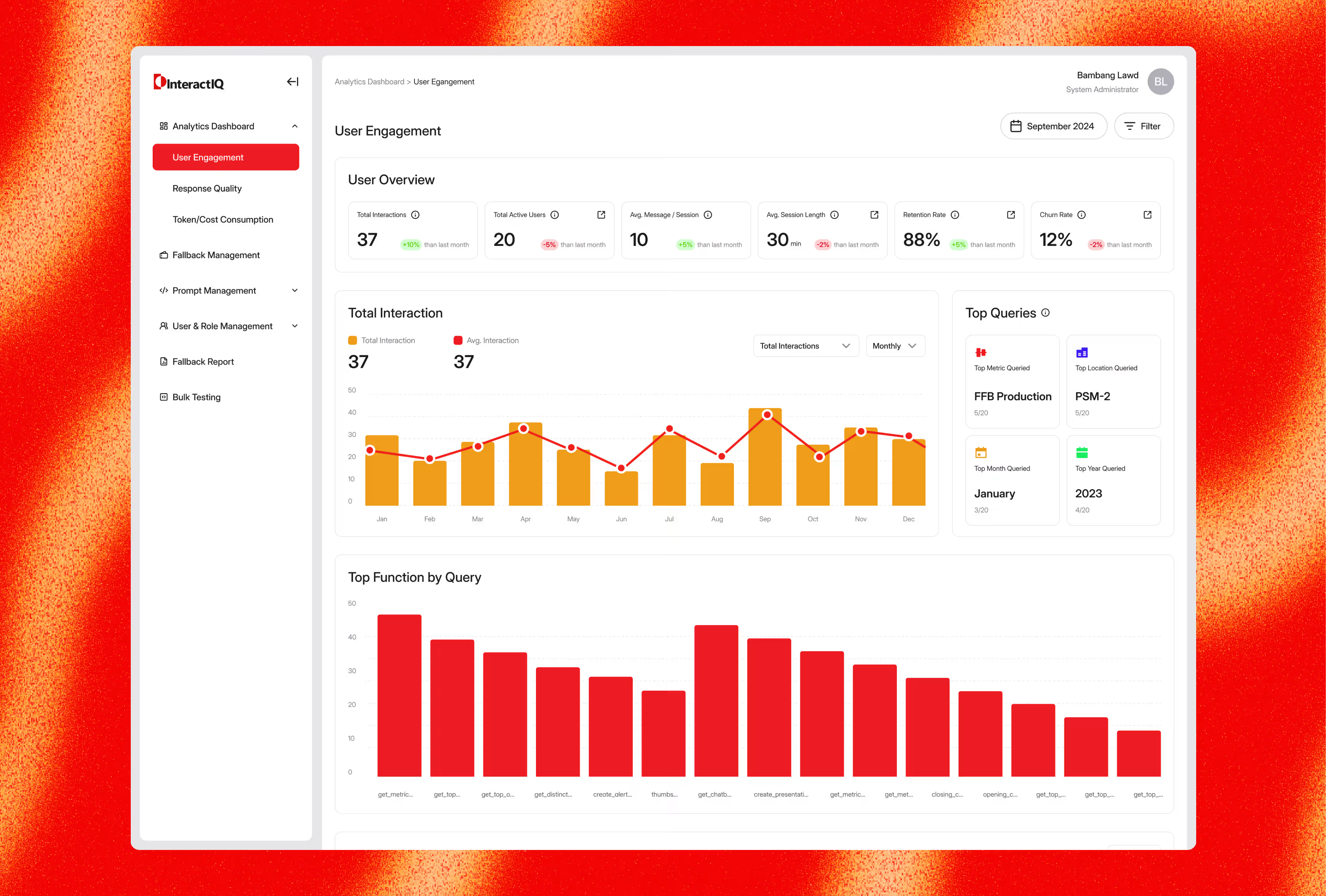
Beyond content control, the platform doubles as an observability layer. Teams can see how the assistant is actually performing in production through engagement metrics, response quality scores, token and cost consumption, and a fallback report that surfaces every query the assistant failed to answer.
Key Challenge
The core tension was building a system technical enough to manage LLM behavior, but approachable enough for people who have never written a prompt. This meant:
- Exposing prompt and flow configuration without requiring an understanding of model mechanics.
- Making conversation quality measurable, since "the chatbot feels wrong" is not something a team can act on.
- Giving teams confidence to publish changes, when an untested prompt edit can degrade thousands of live conversations.
- Turning fallbacks (the assistant's failures) into a usable improvement loop rather than a list of errors.
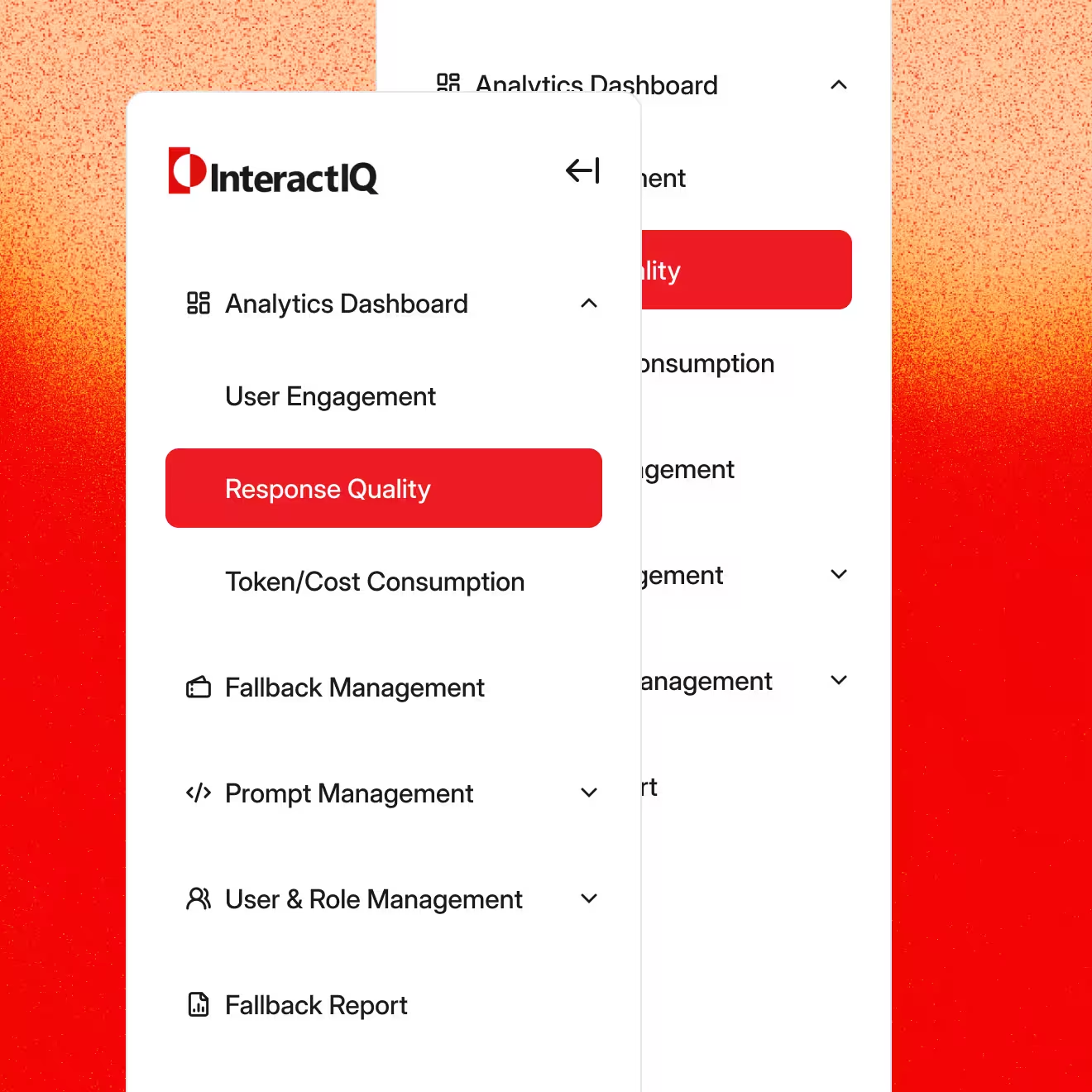
- Structuring a dense, multi-module admin product so that daily tasks stay two clicks away.
What We Did
- Designed an RBAC content workspace so content editors, analysts, and administrators each see the depth of control they need and nothing more.
- Made prompt and flow editing safe to touch by pairing configuration screens with Bulk Testing, letting teams validate changes against real query sets before anything reaches production.
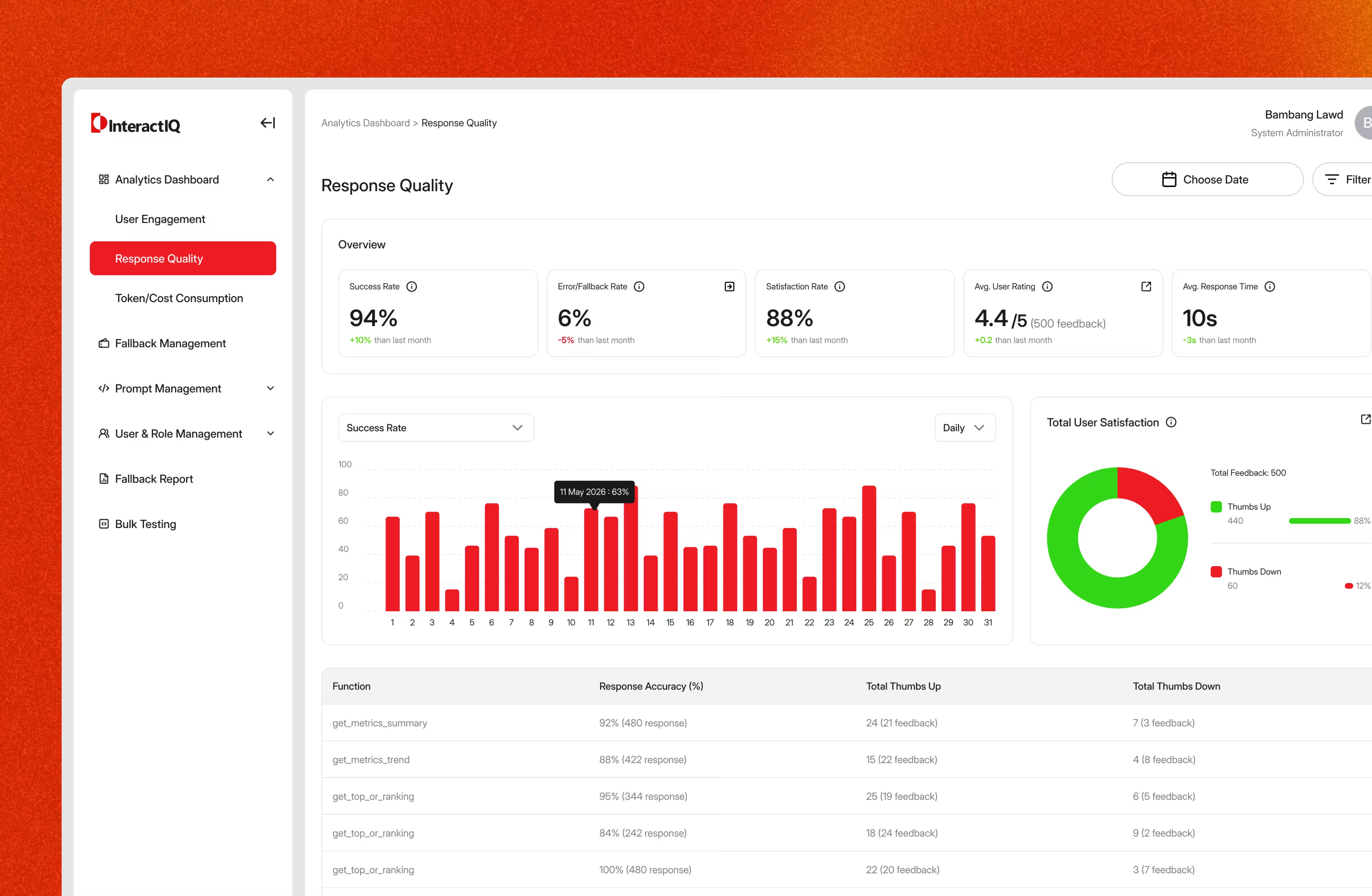
- Designed an analytics layer around three questions teams actually ask: are people using it (User Engagement), is it answering well (Response Quality), and what is it costing us (Token/Cost Consumption).
- Turned fallbacks into a working queue where unanswered queries are captured, reported, and routed back into the knowledge base, closing the loop between failure and fix.
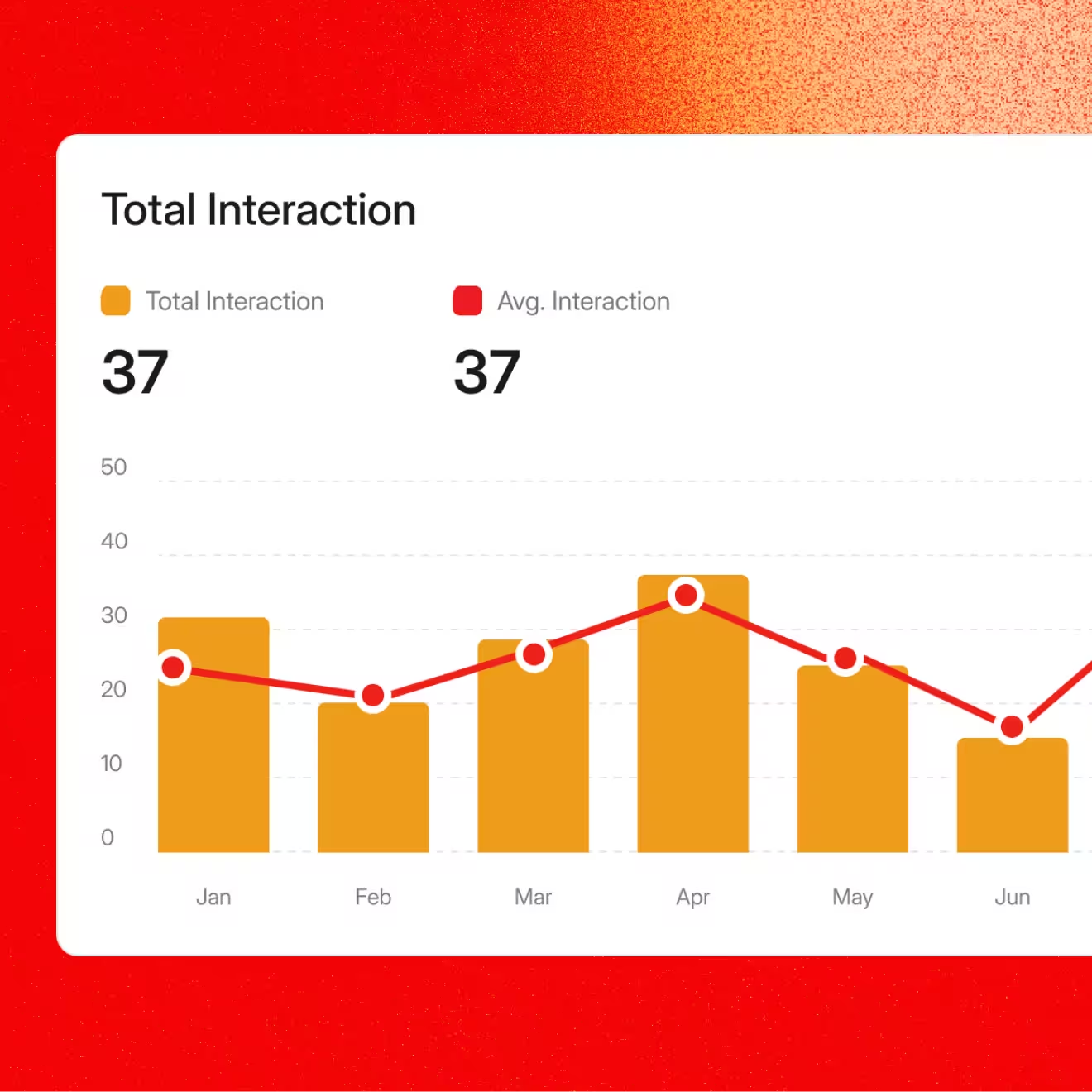
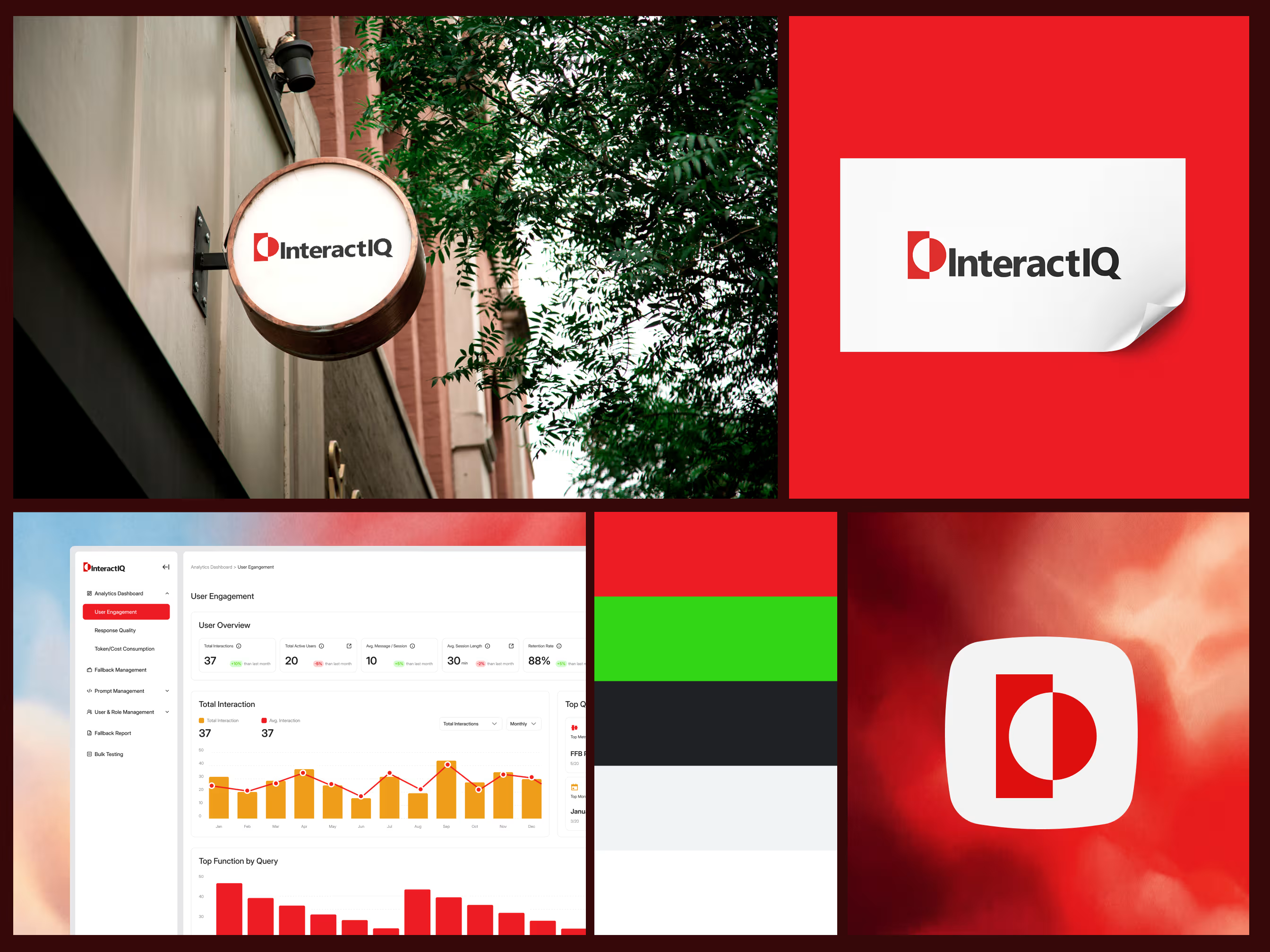
- Established a consistent data language across the product: KPI cards with month-over-month deltas, paired bar and line charts for volume versus average, and ranked breakdowns for top queries and functions.
- Kept the interface calm under dense information using a restrained red and white system, generous card spacing, and a persistent sidebar that keeps every module one click away.
Credits
UI/UX Designer